Wonderful Blog
Mobile App Landing Page

Published March 1, 2026
Mobile App Landing Page
A mobile app landing page is a destination built for app installs or signups—usually from paid or organic traffic. It should load fast on mobile, match the ad message, and drive one primary action (download, sign up, or learn more). This post is scoped to page structure and conversion, not app store optimization or full mobile marketing. Out of scope: ASO, UA strategy, or non-landing-page channels—see landing-page-inspiration and which-attributes-describe-a-good-landing-page-experience for broader landing page playbooks.
TL;DR
- One primary CTA. Install, sign up, or "Learn more"—pick one above the fold. Don't bury the app CTA below three other buttons. Google's page experience guidance and Core Web Vitals favor fast, focused mobile pages.
- Message match. Ad says "Download the app for X"—landing page should deliver that promise and one clear next step. Mismatch kills conversion and can hurt quality.
- Mobile-first. Layout, tap targets, and speed matter. Many app campaigns run on mobile; the page must feel native to small screens.
- Checklist below for building or auditing a mobile app landing page. Use it before you scale spend.
- Out of scope: App store listings, deep links, or full UA strategy—see microsite-vs-landing-page for when to use a dedicated page.
Why Mobile App Landing Pages Are Different
App install and signup campaigns often send traffic to a web page before the app store—to explain the offer, capture email, or qualify the user. That page has to work on the device they're already on: mobile. Common Thread Collective and performance teams stress one primary CTA and message match for paid traffic; for app landing pages, that usually means one prominent install or signup action, social proof, and fast load. A generic homepage or a desktop-first layout underperforms; the best mobile app landing pages are built for small screens and one action.
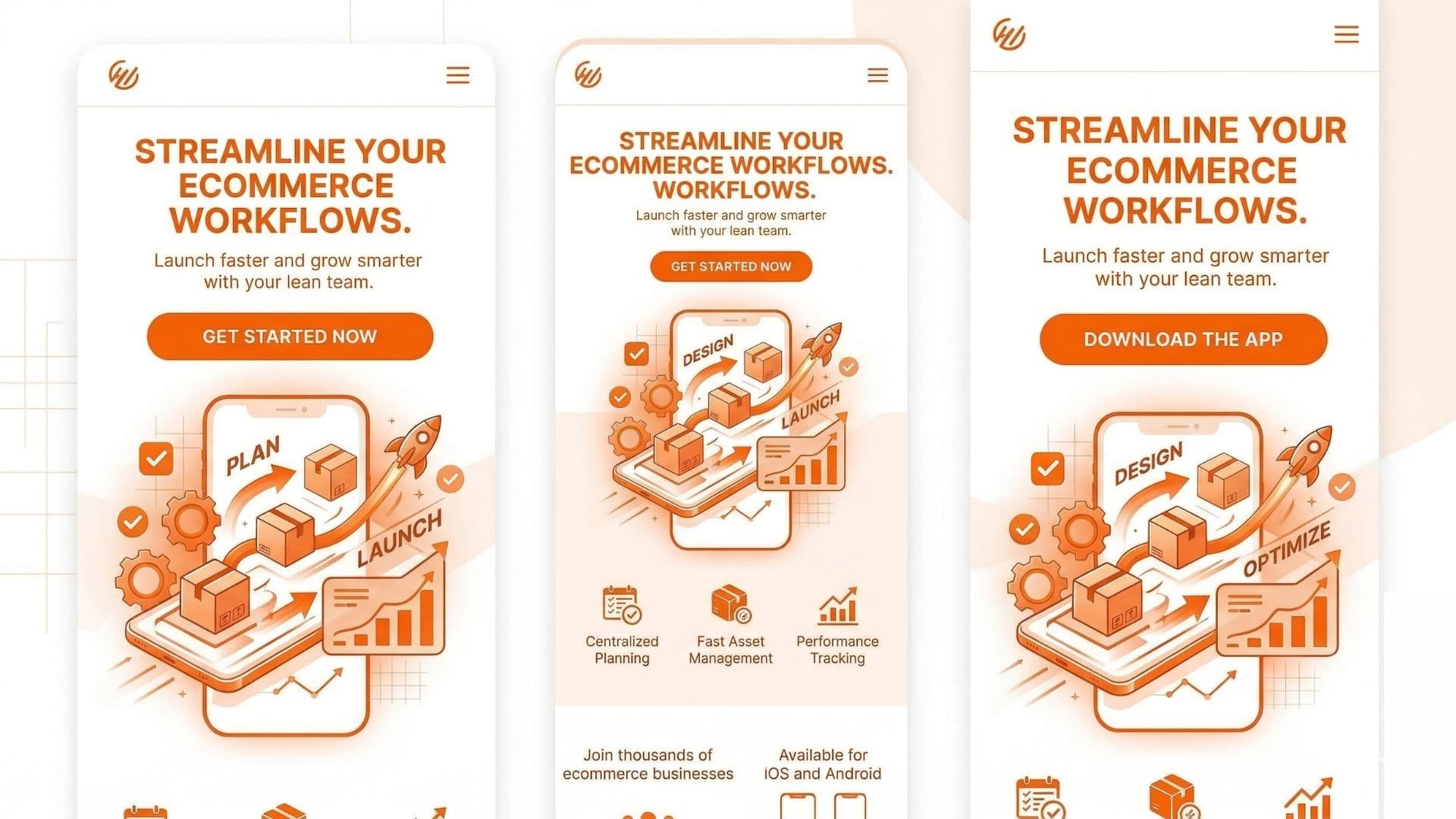
Visual: Mobile app landing page mock. Hero with app value prop, one primary CTA (e.g. "Get the app" or "Download"), device frame or app preview. Clean, mobile-first. Suitable as featured image.
Structure That Converts
- Hero: Headline that matches the ad (e.g. "X in your pocket" or the key benefit). One primary CTA—App Store / Play Store or signup. No competing buttons.
- Proof: One short line or visual—ratings, "X downloads," or a testimonial. Keeps the CTA the star.
- Speed and tap targets: Core Web Vitals (LCP, INP, CLS) matter on mobile; so do button size and spacing so thumbs can tap without zooming.
- One path: If the goal is install, don't push "Contact us" or "Blog" above the fold. Secondary links in footer are fine.
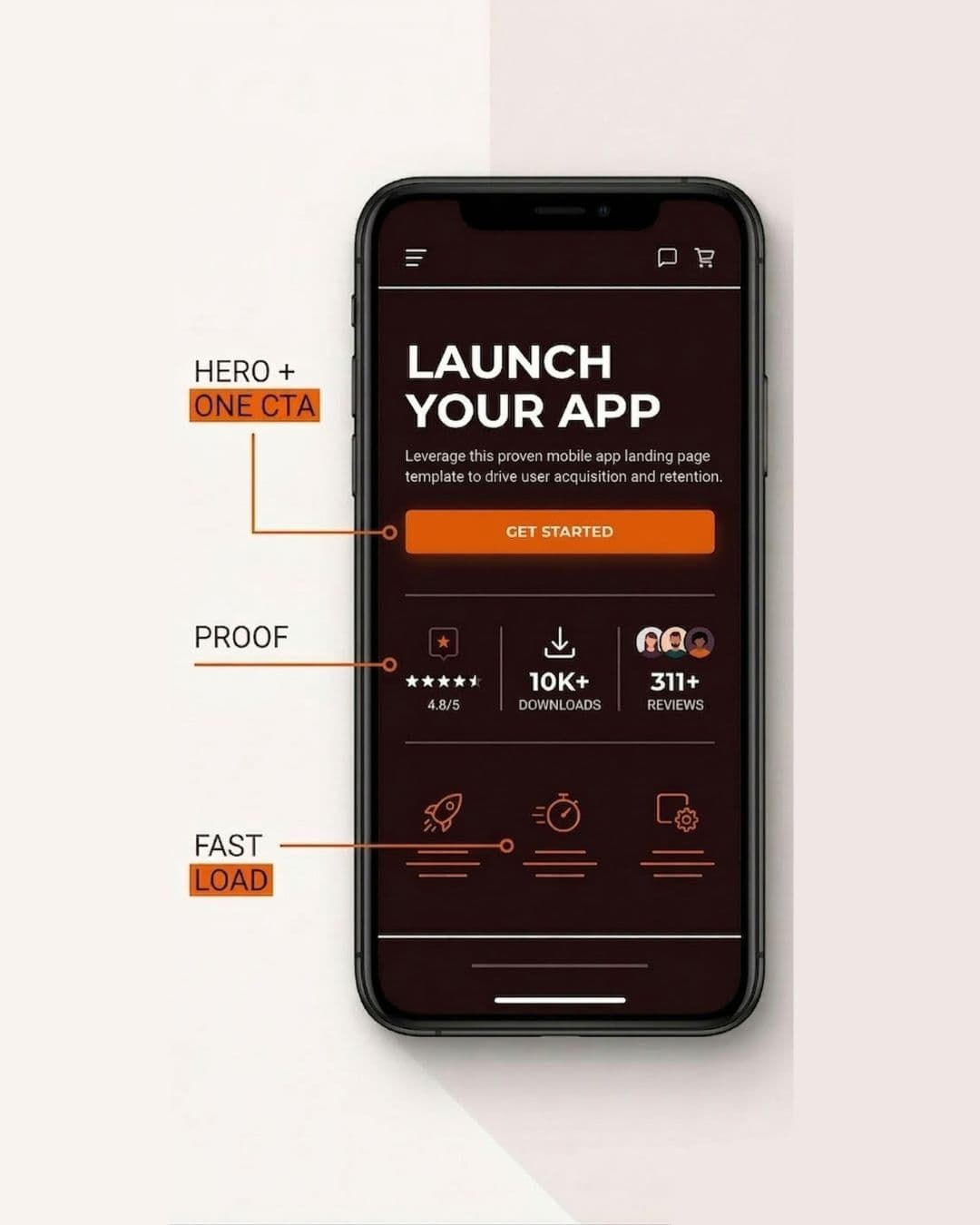
Visual: Annotated mobile mock: Hero + one CTA, Proof, Fast load. Minimal labels. 4:3 or 9:16.
Mobile App Landing Page Checklist
| Check | Why it matters |
|---|---|
| One primary CTA above the fold (install or signup) | Clear next step; no decision fatigue. |
| Ad message matches page headline and offer | Message match; supports quality and conversion. |
| Fast load on mobile | Core Web Vitals; most app traffic is mobile. |
| Tap targets and spacing mobile-friendly | Usability; fewer mis-taps and bounces. |
| No competing CTAs above the fold | One primary action. |
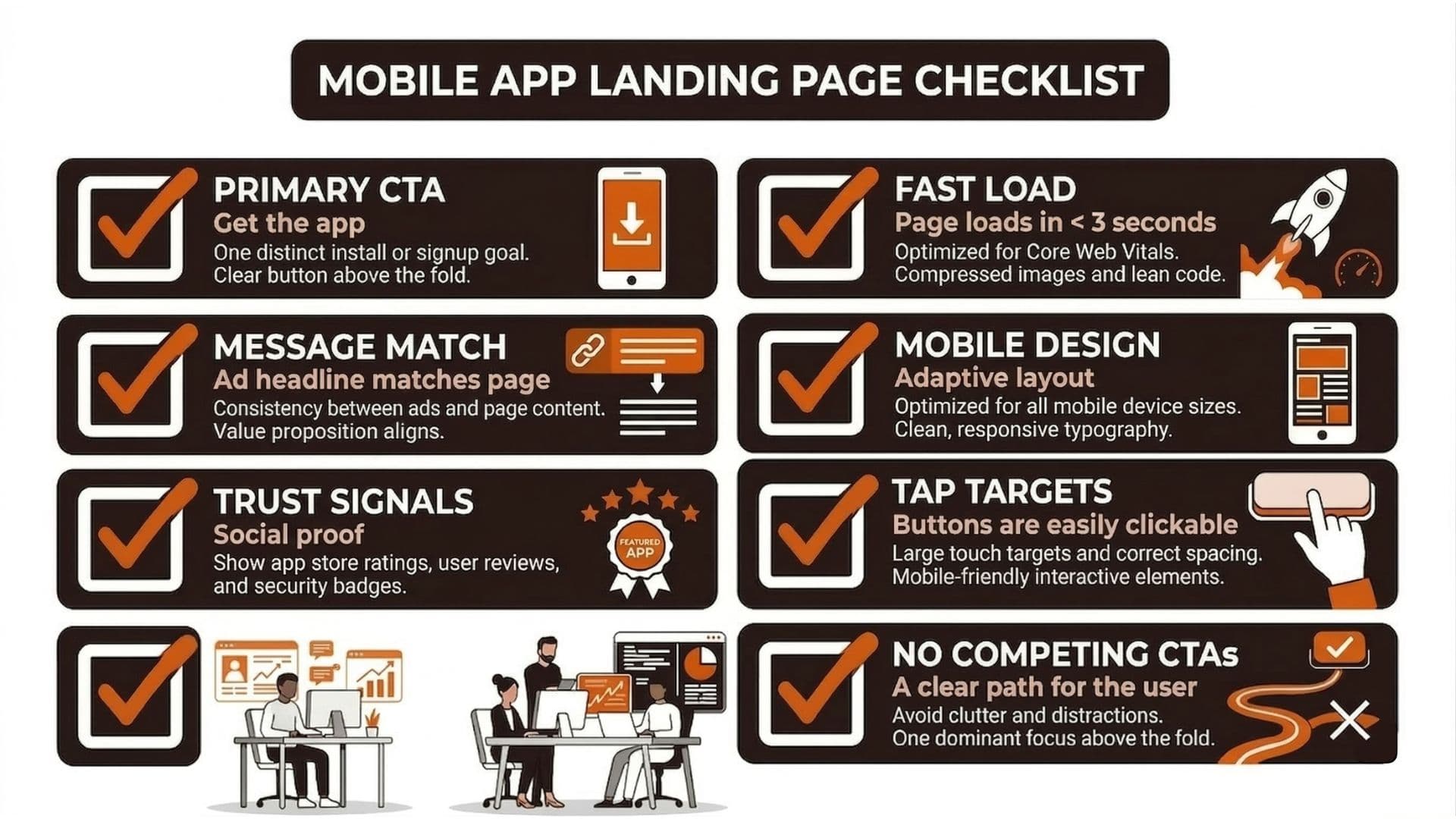
Use this when creating or auditing a mobile app landing page. If the page has three hero buttons or a slow LCP, fix that before scaling.
Real-World Example: One CTA, 2x Conversion
A subscription app was sending paid traffic to a homepage with nav, blog links, and a small "Download" in the header. Conversion was weak. They built a dedicated mobile app landing page: headline matching the ad offer, one large "Get the app" CTA, one line of social proof, and a fast, mobile-optimized build. They kept the same ad creative and budget. Install conversion from the campaign roughly doubled within a few weeks. Lesson: a focused mobile app landing page with one primary CTA beats a generic site for install and signup campaigns.
Actionable Takeaway
Build your mobile app landing page around one primary CTA (install or signup), message match from ad to page, and fast mobile load. Use the checklist above before you scale. For mobile-optimized landing page examples, see our library; for page experience and quality, see which-attributes-describe-a-good-landing-page-experience. To review mobile layouts with annotation tools, use our review and approvals tool.
Keeping ad creative and landing pages aligned in one workflow makes message match easier. Wonderful helps you create and test ad creatives faster so your app campaigns and pages stay on brief.
For additional landing page guidance, see SaaS Landing Page.