0:00intro on ice rink A medium shot captures two men standing side-by-side on a brightly lit indoor ice hockey rink. The ice is pristine white, and in the background, rows of empty red and blue stadium seating are visible, along with multiple Coca-Cola signs. The overall lighting is bright and even, typical of an indoor sports arena. The man on the left holds a hockey stick vertically, resting its butt-end on the ice. Both men look directly at the camera, addressing the viewer. The color palette is dominated by the stark white of the ice, contrasted with the vibrant reds and blues of the seating, and the colorful attire of the subjects. The mood is energetic and inviting, setting a friendly tone for the video.
0:02bauer website homepage This scene presents a full-screen mobile device screen recording of the Bauer website homepage. The upper portion of the screen features an image of a hockey player in a green jersey holding a hockey stick. Below this image, a large, bold graphic clearly states 'MY BAUER CUSTOMIZE YOUR HOCKEY STICK', accompanied by descriptive text explaining the customization process. The background of the website is clean and predominantly white, with black text providing clear readability. The overall impression is professional and focused on product customization, with a crisp digital aesthetic. The scene highlights the initial entry point for users looking to personalize their hockey gear.
0:03bauer website navigation The scene displays a full-screen mobile device screen recording of the Bauer website's navigation menu. The menu slides in smoothly from the left side of the screen, presenting a clear list of options. These options include 'HOCKEY', 'APPAREL', 'SALE', 'CUSTOM', 'Wishlist', 'Find a Retailer', and 'Customer Support'. Below these main categories, a prominent section encourages users to 'JOIN THE BAUER MVP LOYALTY PROGRAM' to get rewarded. The interface is clean with a white background and black text, punctuated by subtle blue accents, creating a user-friendly and organized appearance. The presence of the 'CUSTOM' option directly guides the viewer to the product's main feature.
0:04bauer customization options This scene is a full-screen mobile device screen recording that vertically scrolls down a Bauer website page, revealing different customization options. Two distinct options are presented: 'BAUER QUICK TURN' and 'BAUER CUSTOM'. Each option is encapsulated in a rectangular box with a clear description and a specified delivery timeframe, highlighting the differences in speed and customization depth. 'QUICK TURN' promises delivery in '5-10 DAYS' for a personal touch, while 'CUSTOM' offers more extensive color, flex, grip, and blade pattern choices with a '30-45 DAYS' delivery. The background remains white with black text, ensuring clarity and focus on the product information.
0:06bauer vapor flylite product page The scene displays a full-screen mobile device screen recording focused on the 'VAPOR FLYLITE' product page on the Bauer website. A sleek hockey stick is prominently featured in the center of the screen. Above it, the product name 'VAPOR FLYLITE' is clearly displayed, along with its price of '$449.99' and a 'What's New?' link. A significant section titled 'PERSONALIZATION' is visible further down the page. The background is white, with a subtle, faded 'VAPOR FLYLITE' watermark adding a branded aesthetic. The overall presentation is clean and organized, emphasizing the specific product and its customization potential, preparing the user for the next steps.
0:08personalization input field This scene is a full-screen mobile device screen recording, maintaining focus on the 'VAPOR FLYLITE' product page of the Bauer website. The central element is the 'Personalization' section, specifically highlighting the input field labeled 'Personalized Text'. A blinking cursor appears within this field, signifying that it is active and ready for user input. The hockey stick and product details ('VAPOR FLYLITE', '$449.99') are still visible in the upper portion of the screen. The clean white background and black text persist, guiding the viewer's attention directly to the interactive customization element. The scene prepares for the user to add their unique identifier to the product.
0:09typing personalization goat The scene continues with a full-screen mobile device screen recording, showing the Bauer website's personalization interface. A virtual keyboard is now overlaid at the bottom of the screen. In the 'Personalized Text' input field, the word 'GOAT' is being typed out character by character. Simultaneously, the text 'GOAT' appears on the digital representation of the hockey stick itself, providing an instant visual preview of the customization. The white background and black text of the webpage are contrasted with the grey keys of the virtual keyboard. This visual feedback reinforces the user's choices and demonstrates the ease of personalization.
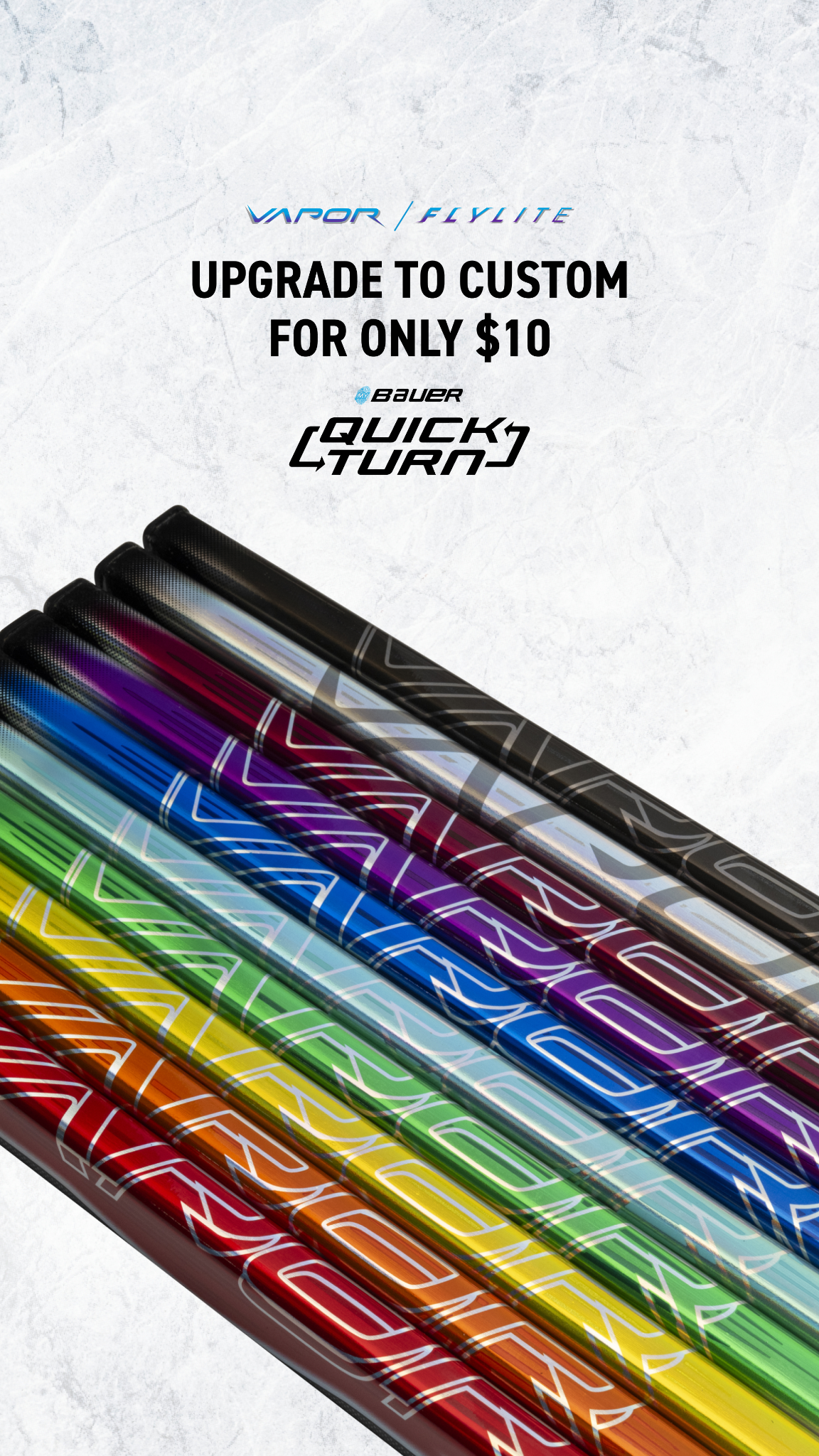
0:11color customization options This full-screen mobile device screen recording focuses on the 'COLOR' customization section of the Bauer website. The interface presents options for two distinct 'ZONE 1' and 'ZONE 2' color selections. The user interacts with the UI by tapping through a series of circular color swatches, which include vibrant blue, green, red, orange, and purple options. As each color is selected, the displayed hockey stick dynamically updates its appearance to reflect the chosen color scheme, showcasing the versatility of the customization. The white background and black text maintain a clear and organized layout, allowing the colorful stick to be the focal point of the interaction.
0:14hand preference selection The scene displays a full-screen mobile device screen recording, now showing the 'HAND' preference selection on the Bauer website. Two distinct buttons, labeled 'LEFT' and 'RIGHT', are presented for the user to choose their preferred hand for the hockey stick. The 'LEFT' option is highlighted with a blue background and a checkmark, indicating it has been selected, while the 'RIGHT' option remains in its default state. The clean white background and black text ensure clarity and ease of understanding for this crucial product specification. This interaction emphasizes the detailed customization available to match individual player needs.
0:17flex selection dropdown This scene shows a full-screen mobile device screen recording of the Bauer website, focusing on the 'FLEX' customization option for the hockey stick. A dropdown menu is visible, currently displaying '87' as the selected flex value. Below this, the stick's 'Length: 62''' is noted, and a clickable link 'Find Your Flex' is presented, offering guidance to users. The screen maintains its clean white background with black text, ensuring all information is easily discernible. This step illustrates another technical aspect of stick customization, catering to player preferences for stiffness and power, with an option to assist in decision-making.
0:20flex dropdown expanded The scene is a full-screen mobile device screen recording, capturing the Bauer website with the 'FLEX' dropdown menu now fully expanded. A comprehensive list of numeric flex options is displayed, including '30', '40', '50', '55', '65', '65 SR', '70', '77', and '87'. The '87' option is clearly marked with a checkmark, indicating its current selection. The white background of the webpage remains consistent, providing a crisp backdrop for the detailed list of choices. This expanded view demonstrates the variety of flex options available, allowing players to fine-tune their stick to their playing style.
This scene showcases a full-screen mobile device screen recording of the Bauer website, specifically displaying the 'FLEX GUIDE'. The guide features input fields designed to help users determine their ideal stick flex. Two prominent dropdown fields are labeled 'Approx. Weight' and 'Approx. Height', prompting the user to enter their physical measurements. Below these inputs, the phrase 'YOUR RECOMMENDED FLEX IS' appears, anticipating a calculated result. The page has a black header with 'FLEX GUIDE' in bold white text, contrasting with the main white background. This interactive guide emphasizes personalized product selection based on user attributes.
0:25blade pattern and loading The scene is a full-screen mobile device screen recording of the Bauer website, displaying the 'BLADE PATTERN' customization section. Detailed specifications for the blade pattern are listed, including 'Length: Medium-Long', 'Face: Open', 'Curve: Mid', and 'Toe: Round'. In the center of the screen, a circular loading spinner animation is active, suggesting that new options are being processed or data is being fetched. A ghosted outline of a hockey stick is faintly visible in the background, reinforcing the product context. The clean white background and black text maintain a focus on the detailed technical aspects of stick design, despite the temporary loading state.
0:28animated delivery stadium A dramatic wide shot from a low angle looks upwards into the vast expanse of a brightly lit ice hockey stadium. The stadium features numerous rows of empty seats in shades of red and blue, creating an imposing atmosphere. Powerful overhead spotlights cast brilliant rays of light down onto the pristine white ice below. A stylized white airplane, distinguished by a bold red star on its tail, flies directly overhead. From the plane, two packages, wrapped like gifts, descend towards the ice. The larger package is wrapped in white with red ribbons, while a smaller, brown paper-wrapped package with a white ribbon falls just below it. The scene's color palette is cool, dominated by blues and whites, with stark contrasts from the bright lights and red accents. The overall mood is one of anticipation and dramatic presentation, implying a special delivery.
0:31otb guy showcases stick wide A medium shot captures the 'OTB Guy' on the ice rink, holding his newly customized hockey stick. The brightly lit indoor ice hockey arena background features empty red and blue stadium seating and visible Coca-Cola signs. The pristine white ice extends around him. He stands confidently, rotating the hockey stick to display its design to the camera. His hands gesture with enthusiasm as he talks about the stick's features. The color palette incorporates the bright white of the ice, the arena's colors, and the vibrant hues of his attire and the stick. His expression is one of satisfaction and pride, indicative of the successful customization.
0:36otb guy shows stick details closeup This scene is a close-up shot focused on the 'OTB Guy's' upper torso and the custom hockey stick he is holding. The background of the ice hockey arena is visible but blurred due to a shallow depth of field, keeping the emphasis on the subject and the product. Bright overhead arena lighting illuminates the scene. The 'OTB Guy' actively rotates the hockey stick, specifically highlighting the iridescent blue and green custom color zones on its shaft. He points to various parts of the stick, presumably explaining the customization details. Visible text on the stick includes 'xBAUER' and 'FLY LITE'. His facial expression is animated and engaged, conveying excitement about the custom features.
0:44jake showcases custom stick A medium shot frames 'Jake' on the ice rink, enthusiastically showcasing his customized hockey stick. The brightly lit indoor ice hockey arena provides the setting, with empty red and blue stadium seating and Coca-Cola signs visible in the blurred background. A hockey net can be seen further in the distance. 'Jake' holds his hockey stick, which features a striking red and white Canadian flag design, and moves it around to present it effectively to the camera. He actively talks about 'country colors' and the aspiration to 'win gold', reinforcing a sense of national pride and achievement. His energetic gestures and confident expression convey his excitement for the personalized equipment and his national identity.
0:56outro call to action This concluding scene features a series of rapid jump cuts, quickly transitioning between the two hosts, 'OTB Guy' and 'Jake', both showcasing their customized hockey sticks. The cuts are dynamic, offering brief glimpses of each host in action on the brightly lit ice hockey arena. The sequence culminates in a medium shot of 'Jake', who energetically throws his arms out wide, then brings them back in, making a final, emphatic gesture towards his stick and the camera. This action serves as a direct call to action, inviting viewers to explore the customization options. The quick pacing and final energetic pose reinforce the excitement and ease of the product's customization features.