Wonderful Blog
Meta Ads Updates February 2026
Platform updates only: what changed, where it's documented, and what to do about it.

Published February 28, 2026
Meta Ads Updates February 2026
If you run Meta ads, the product changes every month. The useful question isn't "what's new in Meta ads?"—it's what actually shipped this month and what you should do about it. This roundup is scoped to platform updates only: what changed in February 2026, where it's documented, and how it affects your workflow. No generic marketing advice; no beginner walkthroughs.
TL;DR
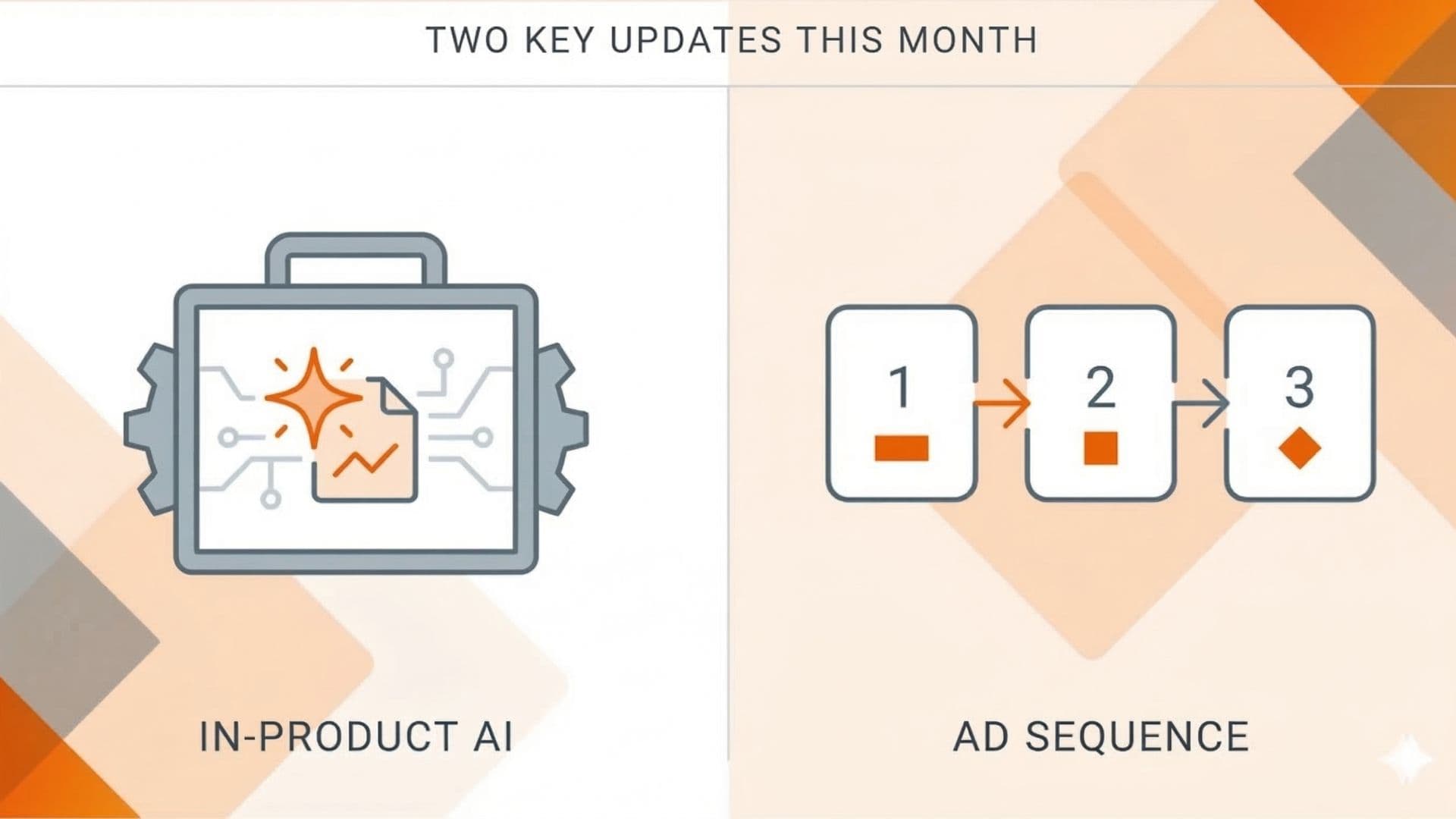
- In-product AI is now in Ads Manager under Tools—report-building and audience research via Meta's built-in AI (the integration is documented here). Worth a look if you rely on in-platform reporting.
- Ad sequencing is rolling out to auction campaigns (no longer reservation-only); Vaizle notes 14–17x conversion lift for 2–3 ad sequences when order is controlled.
- First-party source of truth stays Meta for Business News and the in-product Changelog; use a short monthly checklist so nothing that affects structure, budget, or measurement slips.
- Execution impact: Check Tools for the new AI option if you use in-platform reporting; evaluate ad sequencing for awareness/engagement story arcs. No new campaign types—refinements only.
- Out of scope here: creative testing frameworks, full campaign build walkthroughs, non-Meta platforms.
Where Meta Publishes Updates (Source of Truth)
Meta doesn't maintain one dated changelog. Updates live in three places:
- Meta for Business News — Launches, new features, high-level announcements. Canonical first-party feed.
- In-product Changelog — Inside Ads Manager (question mark or notification area). Smaller UI and behavior changes that don't get a blog post.
- Meta Business Help Center — Updated help articles when flows or options change; use to confirm current behavior (e.g. creating campaigns, budgets).
Rely on these. Third-party roundups (including this one) are for synthesis and prioritization—not replacement. Jon Loomer's coverage of Meta Sales campaigns and structure is a solid practitioner reference for how changes land in real accounts.
What Shipped in February 2026
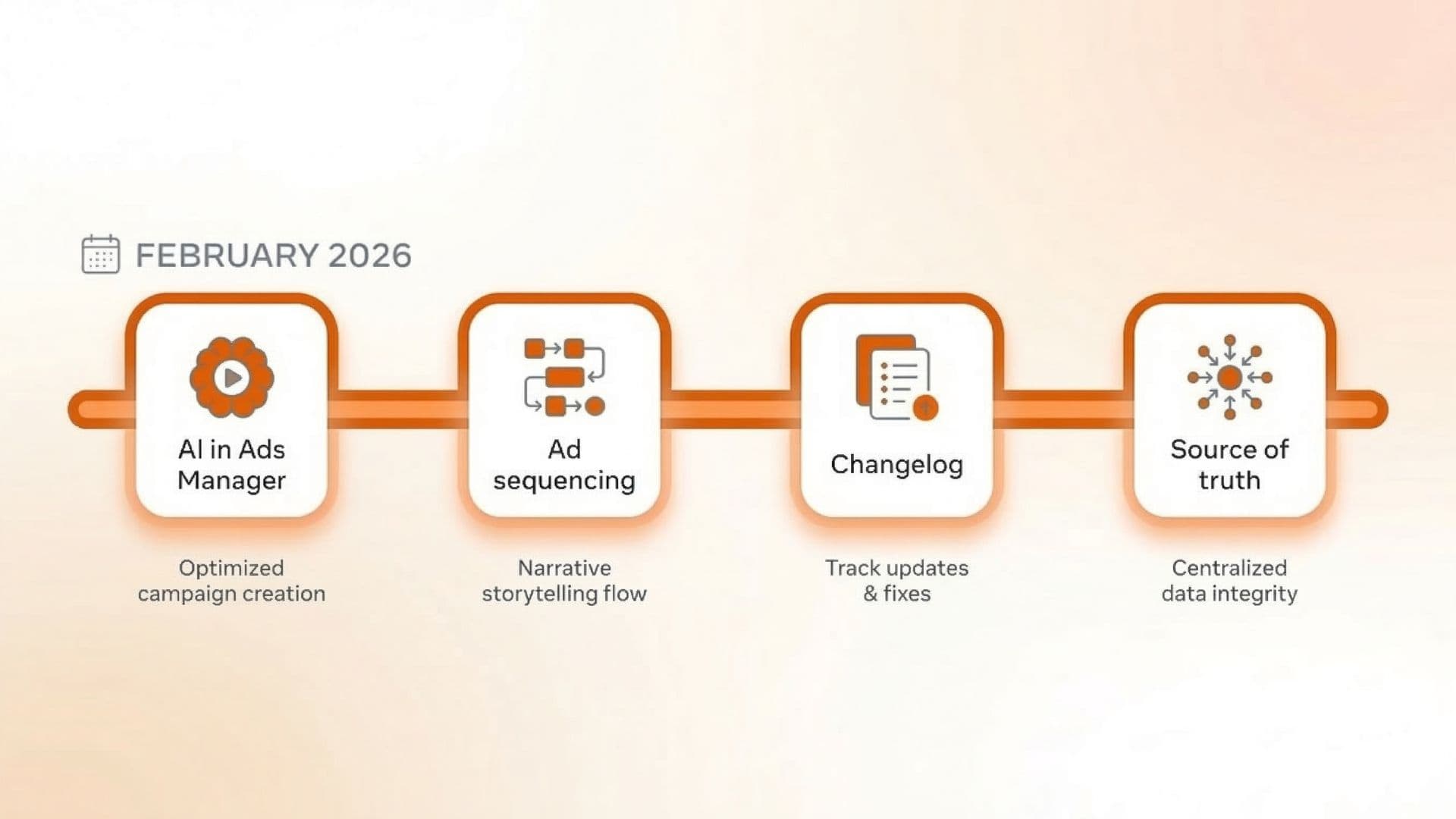
February was a refinement month: no new campaign types, but two product changes with clear execution impact.
In-product AI in Ads Manager
Meta added an AI-powered option under Tools in Ads Manager for report-building, audience research, and similar in-platform tasks (coverage here). Not every account sees the same prompts; all advertisers can access it via the Tools listing. Execution impact: Add "Check Tools for the new AI option" to your monthly scan if you care about in-product reporting or audience research. No obligation to use it—just be aware it's there.
Ad Sequencing for Auction Campaigns
Ad sequencing is rolling out to regular auction campaigns after being limited to reservation campaigns. You define the order in which someone sees multiple ads (Ad 1 → Ad 2 → Ad 3); Meta tracks who saw what and serves the next in sequence. Meta has cited 14–17x higher conversion rates for 2–3 ad sequences versus random rotation. Execution impact: Relevant for awareness or engagement story arcs (problem → solution → proof). Not for every campaign—best for narrative flows and micro remarketing. Requires specific setup: Target frequency (not Cap), lifetime budget, and either Awareness (Maximize reach) or Engagement (ThruPlay). The sequencing toggle appears only after the ad set is published with at least two ads. Out of scope for this post: full setup steps; see execution guides for that.
Budget, Attribution, and Advantage+
No new February-specific budget or attribution features. Advantage+ Sales remains the default path for performance campaigns; budget flexibility (e.g. daily overspend within weekly caps) is unchanged. Meta's Help Center on budgets and campaign creation remains the place to confirm current behavior. If you run in EU or restricted verticals, check the Help Center for consent and attribution updates—February had minor policy/measurement tweaks there.
Real-World Example: One Team's Update Habit
A performance team running 12+ Meta ad accounts doesn't read every Meta post. One person owns "platform updates": first Monday of each month they check Meta for Business News and the in-product Changelog, then post a short Slack summary (product / policy / measurement). About 20 minutes. Most months the outcome is "no action"; when it's "action," they assign an owner. That keeps the rest of the team focused on execution without missing a change that affects structure, budget, or measurement.
Monthly Meta Updates Checklist
Use this so you never assume nothing changed.
| Step | Action |
|---|---|
| 1 | Open Meta for Business News and scan the last 30 days. |
| 2 | In Ads Manager, open the Changelog / What's New (location varies by account). |
| 3 | Note anything that touches campaign structure, budget, attribution, or policies in your regions. |
| 4 | If you run EU or restricted verticals, check the Help Center for consent/lead/policy changes. |
| 5 | One-line internal summary: "Action required" vs "Awareness only." |
Cadence: once per month is enough unless you're in a heavy launch or a sensitive vertical.
What This Post Does Not Cover
To keep intent tight:
- Step-by-step execution — Campaign builds, creative testing frameworks, and budgeting playbooks are out of scope. Use Meta's Help Center and execution-focused guides for that.
- Creative testing or creative ops — Creative strategy and production workflows are not covered here.
- Other platforms — Google, TikTok, etc. are out of scope.
Actionable Takeaway
Treat "Meta ads updates" as a monthly habit, not a one-time read. Bookmark Meta for Business News and the in-product Changelog. Spend 15–20 minutes at the start of each month; capture only what affects your accounts (structure, budget, policy, measurement). One owner, one short summary. For February 2026 specifically: check Tools for the new AI option if you care about in-product reporting; consider ad sequencing only where a clear story arc (2–3 ads in order) fits your objectives.
Stay Current Without the Noise
Monthly roundups like this give you a fast scan. For deeper execution—creative testing, reporting, or Meta-specific workflows—check Meta's resources and our blog for related posts so you can move from "what changed" to "how we run it" in one place.
In practice, staying current means building a reliable workflow that moves updates into your optimization rhythm. Wonderful handles the latest Meta changes through an attribution-friendly ad publishing workflow, and combining that with a streamlined workflow helps you test and iterate faster once the platform shifts. For related platform updates, see our post on how Meta's attribution changes affect your campaigns.
If you want to cut down on tab-switching between Meta, spreadsheets, and creative tools, Wonderful keeps your Meta workflow and assets in one flow—no pitch, just fewer context switches when the platform moves.