Wonderful Blog
AI Tools for Media Buyers

Published March 24, 2026
AI Tools for Media Buyers
AI tools can make media buyers faster, but they do not replace judgment. The useful question is not "Which tool does everything?" It is "Which part of the workflow should be faster, cleaner, or easier to review?"
This post focuses on four jobs where AI can help media buyers today: briefing, creative iteration, reporting summaries, and workflow coordination. It is not a general software roundup and it is not a claim that AI should launch ads without oversight.
TL;DR
- Use AI on repeatable work first. Brief drafting, first-pass angle generation, and report summaries are high-leverage use cases.
- Keep human approval in the middle. AI should support decisions, not quietly make them.
- Evaluate tools by workflow fit. A "smart" tool that breaks handoffs usually creates more work than it saves. This is why creative workflow with AI integrated matters—the AI doesn't replace judgment, it supports faster execution within a cohesive process.
- Separate generation from governance. Good tools help teams create faster and review more clearly.
Where AI Actually Helps
Most media-buying teams do not need an "AI strategy." They need fewer slow, repetitive steps between idea and launch.
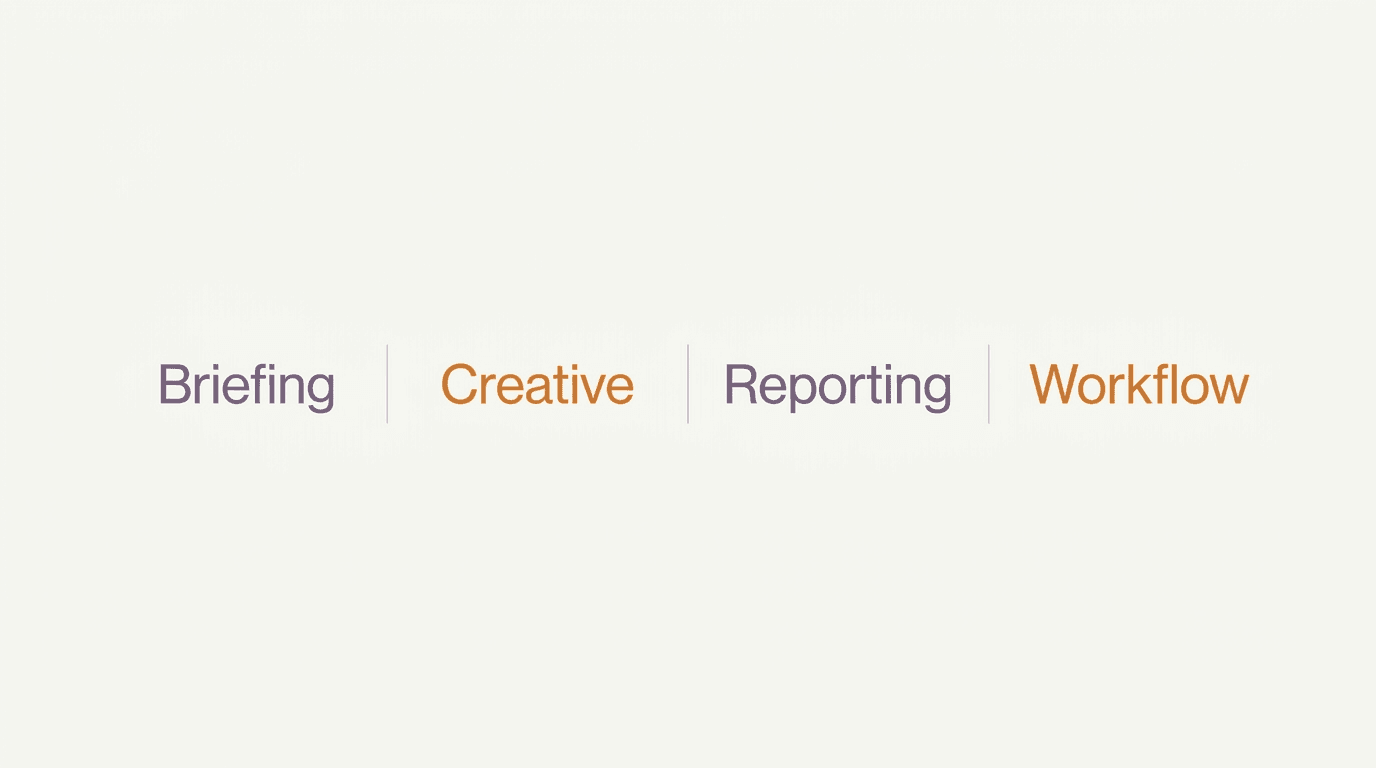
The best current use cases tend to fall into four buckets:
- Briefing: turning notes, past winners, product info, and goals into a first draft brief.
- Creative support: generating angle variations, hook options, and rough concepts faster.
- Reporting support: summarizing performance patterns and surfacing anomalies for review.
- Workflow support: organizing handoffs, approvals, naming, and version context.
These are useful because they reduce blank-page work and admin drag. They do not remove the need for a buyer to decide what matters, what to test next, or what should never go live.
How to Evaluate an AI Tool
When you compare AI tools, skip the broad promise and ask practical questions:
- What job does it improve? If the answer is vague, the tool is probably too broad.
- What goes in? Inputs should be easy for your team to provide without a giant setup burden.
- What comes out? The output should be editable, reviewable, and usable in your existing process.
- Where is the approval gate? If a human cannot clearly review the output, the workflow is risky.
- Does it fit the stack? Tools that cannot connect to docs, tasking, or creative review usually create more copy-paste work.
A buyer does not need the "best AI tool" in the abstract. They need the best tool for a narrow job inside a real weekly workflow.
The Approval Step Matters More Than the Model
The most common AI workflow mistake is treating speed as the goal. Speed is only valuable if the work stays reviewable.
For example:
- AI can draft five hooks faster than a person.
- AI cannot know which hook overpromises, misses the offer, or conflicts with policy.
- AI can summarize a report.
- AI cannot decide whether the right reaction is "change creative," "leave it alone," or "wait for more data."
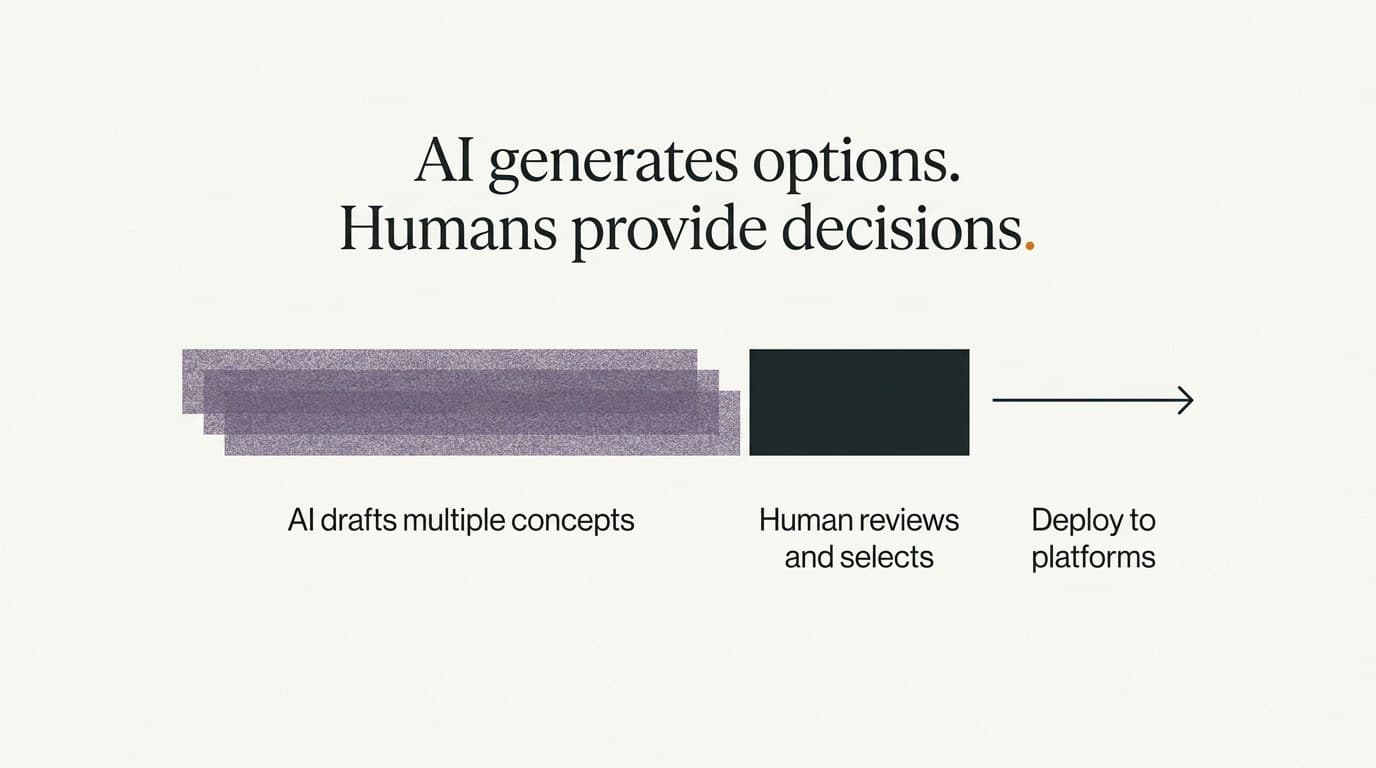
That is why the approval step matters. A healthy workflow keeps a clear line between AI-generated options and human-approved decisions.
A Simple Operating Model for Media Buyers
If you want a lightweight way to use AI without overcomplicating your stack, use this operating model:
- Start with one narrow job. Pick briefing, report summaries, or creative angle generation.
- Standardize the input. Use the same source notes, product context, and performance inputs each time.
- Review outputs in one place. Avoid scattered comments across docs, chats, and design files.
- Approve before export. Nothing should move to production without a clear owner.
- Track whether the tool saves real time. If it does not reduce friction in a measurable way, cut it.
This approach is more valuable than adopting five separate AI tools at once and hoping the stack works itself out.
Actionable Takeaway
AI tools are most useful for media buyers when they reduce repeated drafting and summarizing work, while leaving decisions and approvals with a person.
Use AI for:
- first-pass briefs
- angle and hook variations
- reporting summaries
- workflow cleanup
Keep humans responsible for:
- approving claims
- judging relevance
- deciding next tests
- launching changes
Soft CTA
For media buyers looking to use AI without losing governance, the key is keeping briefs, creative, and approvals connected. An AI marketing assistant built for media buyers helps with ideation, while AI-assisted ad publishing and validation ensures nothing ships without review. Wonderful helps media buyers keep AI-assisted briefs, creative iterations, and approvals in one workflow so faster output does not turn into messier execution.