0:00finished gifts display
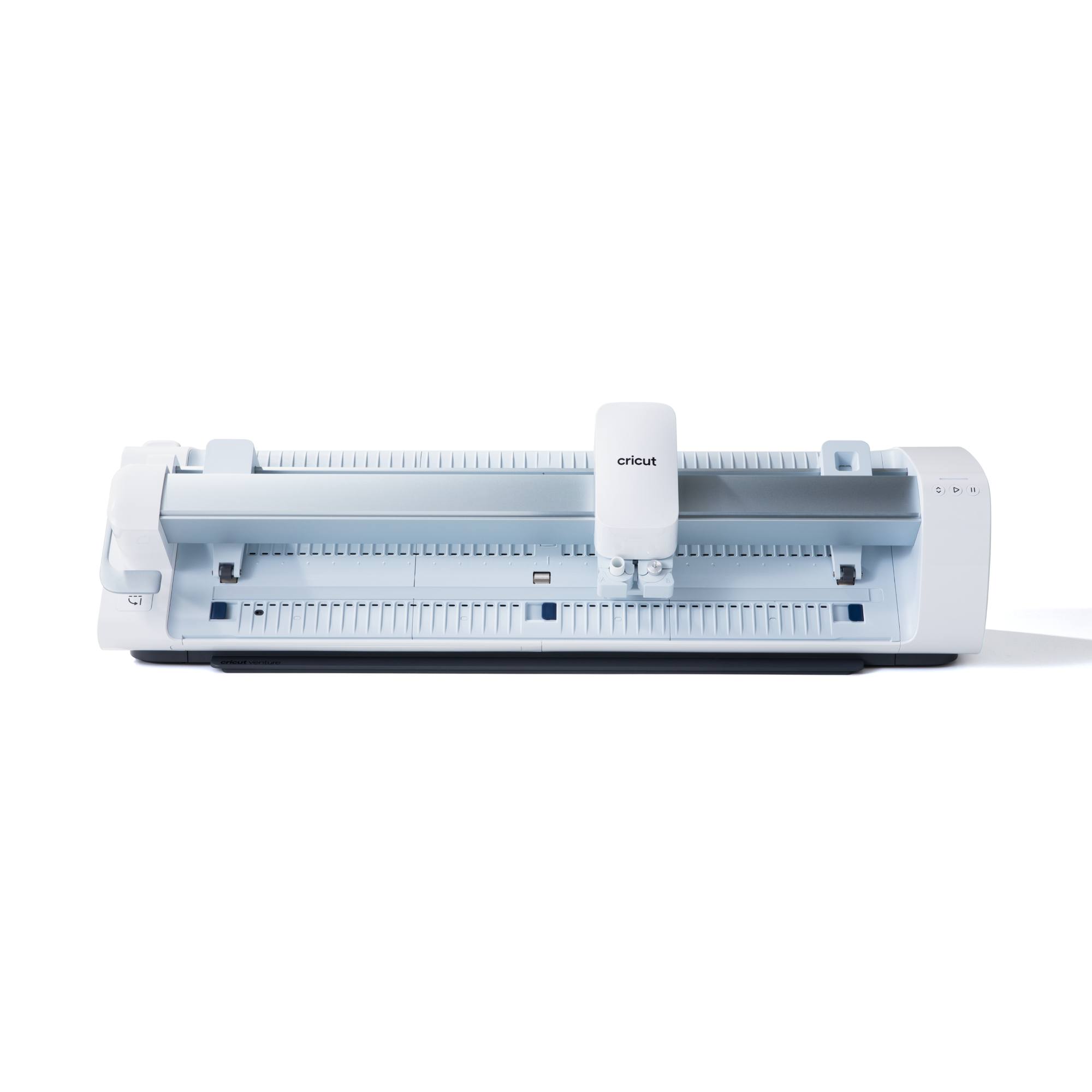
The scene opens with a medium close-up shot, slightly angled from above, showcasing a collection of personalized Christmas gifts arranged on a warm-toned wooden table. In the foreground, a white wicker basket holds a clear glass jar with a red ribbon and red vinyl lettering spelling 'SWEET TREATS'. Beside the basket, a small, green ceramic Christmas tree with white frosting details stands upright, flanked by a white Cricut Joy Xtra machine. The background reveals a cozy living room setting, featuring a stone fireplace adorned with lush green garland and warm string lights. A dark leather armchair with a red plaid pillow is visible to the right of the fireplace. The lighting is soft and warm, characteristic of indoor ambient light, highlighting the festive decor. The overall color palette is traditional Christmas, with dominant reds, greens, and whites, complemented by the natural wood tones and the subdued grays of the fireplace. Text overlays 'MADE FOR THEM, NOT BOUGHT FOR THEM' and 'This is your sign to skip store bought gifts and' are present on screen.
0:01closing cricut machine
The camera maintains a medium shot, focused on a white Cricut Joy Xtra machine positioned on a wooden table. A human hand, with neat, light-colored fingernails, reaches into the frame from the left side and gently closes the lid of the machine. The background remains the cozy living room with a fireplace and Christmas garland, slightly blurred. The lighting is consistent with the previous scene, offering a warm and inviting glow. The action is smooth and deliberate, indicating careful handling of the crafting tool. The color palette continues to feature the warm wood tones, white of the machine, and festive green and red in the blurred background. Text overlay 'This is your sign to skip store bought gifts and' persists on screen.
0:02screen typing santas cookies
This scene is a screen recording of a digital design interface, likely a Cricut design software, displayed on a mobile device. The screen is dominated by a white grid background with rulers along the top and left edges, indicating precise measurements. A virtual keyboard occupies the lower portion of the screen, featuring standard QWERTY layout with predictive text suggestions above. A text box in the center of the grid shows the words 'Santa'' then 'Santa's' being typed out, appearing in a simple block font. The action shows rapid typing and auto-correction. The overall color palette is clean and functional, with white, gray, and black dominating the interface. Text overlay 'make something that actually feels personal' is visible at the bottom of the screen.
0:04screen selecting font
The scene continues as a screen recording of the digital design interface. The text 'Santa's Cookies' is now fully typed and enclosed within a green selection box, indicating it's an editable element. The text is initially in a blocky font. Below this, a 'Fonts' menu is displayed, offering various font styles with options like 'Cricut', 'System', 'Bookmarked', and 'Recent'. A search bar shows 'Christmas' as the current filter, yielding '107 Results'. The user scrolls through the font options, and the text 'Santa's Cookies' updates to a more decorative, script-like font in the selection box. The background remains the white grid with rulers. The interaction demonstrates the personalization features of the design software. Text overlay 'make something that actually feels personal' is still visible at the bottom.
0:06cricut cutting gold vinyl
A close-up shot focuses on the white Cricut Joy Xtra machine actively cutting a design into a sheet of shiny gold vinyl. The camera is positioned slightly above and to the front of the machine, showing the cutting mechanism moving precisely across the material. The gold vinyl is being fed smoothly into the machine, revealing the impression of the cut design. The background is softly blurred, showing hints of the festive living room decor, including a small green Christmas tree and red accents, maintaining a warm and cozy atmosphere. The lighting is bright and even, highlighting the metallic sheen of the vinyl. Text overlay 'I'm making personalized pantry gifts with my Cricut' is displayed on the lower part of the screen.
0:08weeding gold vinyl design
This close-up shot focuses on a person's hands meticulously 'weeding' a gold vinyl design on a wooden table. The hands, with neatly manicured, light-colored fingernails, are carefully peeling away excess gold vinyl from around the cut letters 'Santa's Cookies'. A small, white and teal weeding tool is used with precision. The cut design is on a translucent transfer sheet, which is then peeled from the gold vinyl backing, revealing the intricate lettering. In the blurred background, parts of the white Cricut machine, a glass jar, and festive red ribbons and green garland are visible, maintaining the holiday crafting theme. The lighting is bright and diffused, allowing for clear visibility of the fine details. A ring is visible on the left hand's ring finger, and a smart watch with a metallic strap on the left wrist. Text overlay 'Like this sweet Santa's cookie jar I think it turned' is shown.
0:12applying gold vinyl to jar
The scene features a medium close-up shot of a person's hands applying the gold 'Santa's Cookies' vinyl design to a clear glass cookie jar. The jar, with its smooth, round shape, is held steady by one hand while the other carefully presses the transfer tape containing the gold lettering onto its surface. The wooden table serves as the base, and the blurred background continues to show the festive living room decor, including the fireplace, garland, and parts of the white Cricut machine. The lighting is consistent and warm, accentuating the golden luster of the vinyl against the clear glass. The action is precise and focused, highlighting the delicate application process. Text overlay 'out super cute. I started by creating a fun label and selected my' is on screen.
0:14placing lid on jar
A medium close-up shot captures a person's hands placing a clear glass lid onto the already labeled 'Santa's Cookies' jar. The jar, now adorned with the gold vinyl text, sits centrally on the wooden table. One hand holds the jar steady while the other carefully aligns and places the domed glass lid on top, completing the cookie jar. The blurred background continues to show the festive living room, emphasizing the home-crafting environment. The lighting remains warm and inviting. The action is smooth and deliberate, adding the finishing touch to the personalized gift. Text overlay 'fonts' is visible.
0:15screen designing sweet treats
This screen recording shows a digital design interface, likely a Cricut app, on a mobile device. The main area displays 'SWEET TREATS' in a bold, sans-serif font, enclosed within a green bounding box that also shows its dimensions (9.63 cm x 7.3 cm). The background is a white grid with numerical rulers on the top and left, indicating a precise design workspace. Below the text, the word 'fonts' is displayed as a potential next step or current context. The screen is clean and functional, with white, black, and green as dominant colors. This scene illustrates the digital design phase for another personalized item. There are no additional text overlays at this point, but the previous one might have faded out.
0:17screen mat preview sweet treats
The scene is a screen recording of the Cricut design software, showing the 'Mat Preview' for the 'SWEET TREATS' design. The top of the screen displays a green banner indicating 'You saved $4.99 with Cricut Access™'. Below this, instructions read 'Without Mat, 15.25cm material length required, Mirror Off' and 'Basic Cut'. The main area of the screen shows a black virtual cutting mat with a white outline of the 'SWEET TREATS' text positioned on it, ready for cutting. The text is bold and sans-serif. A 'Next' button is visible at the top right. This view is from the perspective of the design software, outlining the steps before actual cutting. Text overlay 'That's what I love about Cricut' is at the bottom of the screen.
0:18cricut cutting red vinyl
A dynamic close-up shot focuses on the white Cricut Joy Xtra machine as it cuts a design into a vibrant red vinyl sheet. The camera is positioned closely to the machine's feeding mechanism, highlighting the precise movement of the cutting blade. The red vinyl, with its glossy finish, is steadily fed through the machine, and the slight indentations of the cut design (likely 'SWEET TREATS') are visible on its surface. The background is softly blurred, showing a hint of Christmas decor, possibly a green Christmas tree with warm lights, maintaining the festive context. The bright, even lighting emphasizes the rich red color of the vinyl. Text overlay 'You can turn simple items into meaningful' is on the lower part of the screen.
0:19applying red vinyl to jar
The camera captures a medium close-up of a person's hands applying the red 'SWEET TREATS' vinyl design to a clear glass jar. One hand steadies the cylindrical jar while the other carefully peels back the clear transfer tape, leaving the bold red vinyl letters adhering smoothly to the glass surface. The jar, similar in style to the previous one, rests on the wooden table. The background is softly blurred, revealing parts of the festive living room setting, including Christmas garland and the white Cricut machine. The lighting is bright and warm, making the red vinyl pop against the clear glass. The action demonstrates precision and care in the crafting process. Text overlay 'handmade gifts that feel special and personalized' is displayed at the bottom.
0:20smoothing red vinyl on jar
A tight close-up shot focuses on a person's hands using a scraper tool to smooth out the red 'SWEET TREATS' vinyl label on a clear glass jar. The hand, with neatly manicured fingernails, holds a light blue plastic scraper and firmly presses it over the red vinyl lettering, ensuring that the decal is fully adhered to the glass and free of bubbles. The jar is held by the other hand on the wooden table. The blurred background shows hints of the Christmas-decorated living room, including the fireplace mantel with garland. The lighting is bright and even, allowing the details of the red vinyl and the smoothing tool to be clearly seen. Text overlay 'handmade gifts that feel special and personalized' is still visible.
0:22applying initial to ornament
A close-up shot captures a person's hands carefully applying a black vinyl letter 'G' to a clear, spherical Christmas ornament. The ornament is held gently by one hand, while the other meticulously presses the 'G' decal onto its curved surface. The ornament is transparent and empty. In the blurred background, the white Cricut machine and a glimpse of the wooden table are visible. The lighting is soft and consistent, highlighting the contrast between the black vinyl and the clear ornament. The action is delicate and focused, showing the creation of a personalized ornament. Text overlay 'If you wanna make one-of-a-kind gifts this season' appears on screen.
0:23filling ornament with snow and tree
The scene is a close-up, slightly overhead shot, focusing on a person's hands filling the clear, spherical Christmas ornament with decorative elements. The ornament, with its black vinyl 'G' already applied, sits on a wooden table covered with a light scattering of iridescent faux snow. One hand holds the ornament steady, while the other carefully pours more faux snow into its opening. Subsequently, a tiny, green bottle brush Christmas tree, a miniature replica, is gently inserted into the ornament, nesting among the faux snow. The background is softly blurred, showing parts of the white Cricut machine and general Christmas decor. The lighting is bright, emphasizing the sparkle of the faux snow and the vibrant green of the mini tree. Text overlay 'grab your Cricut and start creating' is shown.
0:26finished initial ornament
A close-up shot presents the finished personalized Christmas ornament. The clear, spherical ornament, featuring a bold black vinyl letter 'G' on its exterior, is held in a hand and slightly rotated, showcasing its contents. Inside, a miniature winter wonderland is visible, composed of white faux snow and a tiny, green bottle brush Christmas tree. The top of the ornament, a silver cap, is now secured. The wooden table, still with scattered faux snow, serves as the background, softly blurred. The lighting is bright and warm, highlighting the sparkle of the snow and the clarity of the ornament. The composition emphasizes the delicate beauty of the handmade gift. Text overlay 'Comment and GIFT and I'll send you all the links' is present.
0:27filling sweet treats jar
The final scene is a medium close-up, slightly overhead shot, showing the 'SWEET TREATS' glass jar being filled with ingredients. The clear jar, with its prominent red vinyl lettering, is already partially filled with red and white peppermint bark sticks, arranged vertically. A transparent plastic bag filled with hot chocolate mix is poured into the jar, followed by another clear bag containing fluffy white mini marshmallows. The wooden table acts as the base, and the blurred background reveals the familiar festive living room decor, including the fireplace mantel with garland. The lighting is warm and bright, illuminating the process of creating the sweet gift. The action demonstrates the practical completion of the personalized gift, making it ready for presentation. Text overlay 'Comment and GIFT and I'll send you all the links' is visible.