0:00wreath sash showcase
The scene opens with a close-up, eye-level shot of a white wooden door, primarily focusing on a vibrant green artificial wreath hanging on it. A white fabric sash is tied to the bottom center of the wreath, hanging down vertically. Initially, the sash displays a festive red 'R' initial on the left and a green Christmas tree with a red bow on the right. A woman's hand, with manicured nails and a gold ring on her index finger, lightly touches the sash. The Christmas design then transitions to a large, shiny red heart with a pink scalloped border, indicating an interchangeable design. The lighting is bright and even, suggesting indoor or diffused natural light, highlighting the crisp white of the door and sash, and the rich green of the wreath. The color palette is predominantly white, green, and red, conveying a clean and cheerful aesthetic. The camera remains static.
0:02cricut design space screen recording
This scene is a screen recording of a laptop displaying the Cricut Design Space software. The camera is positioned slightly above and behind the laptop screen, looking down at an angle. The interface shows a grid workspace filled with various design elements for 'Wreath Sashes*', including a green Christmas tree, a red ornate 'R' initial, a green top hat, green 'R' initial, a 'cheers' graphic, and a pink 'R' initial. A pop-up menu for 'Material colors' is open, showing a wide spectrum of color swatches. A mouse cursor hovers over different color options. The 'Prepare (7 mats)' tab is visible at the top, and the screen scrolls down to show multiple virtual mats (labeled 1 through 5) with different cut designs. The overall color scheme of the software is light grey and white with colorful design elements. The text 'So with my Cricut EasyPress Mini LT, I made a series of interchangeable sashes instead.' is overlaid at the bottom of the screen.
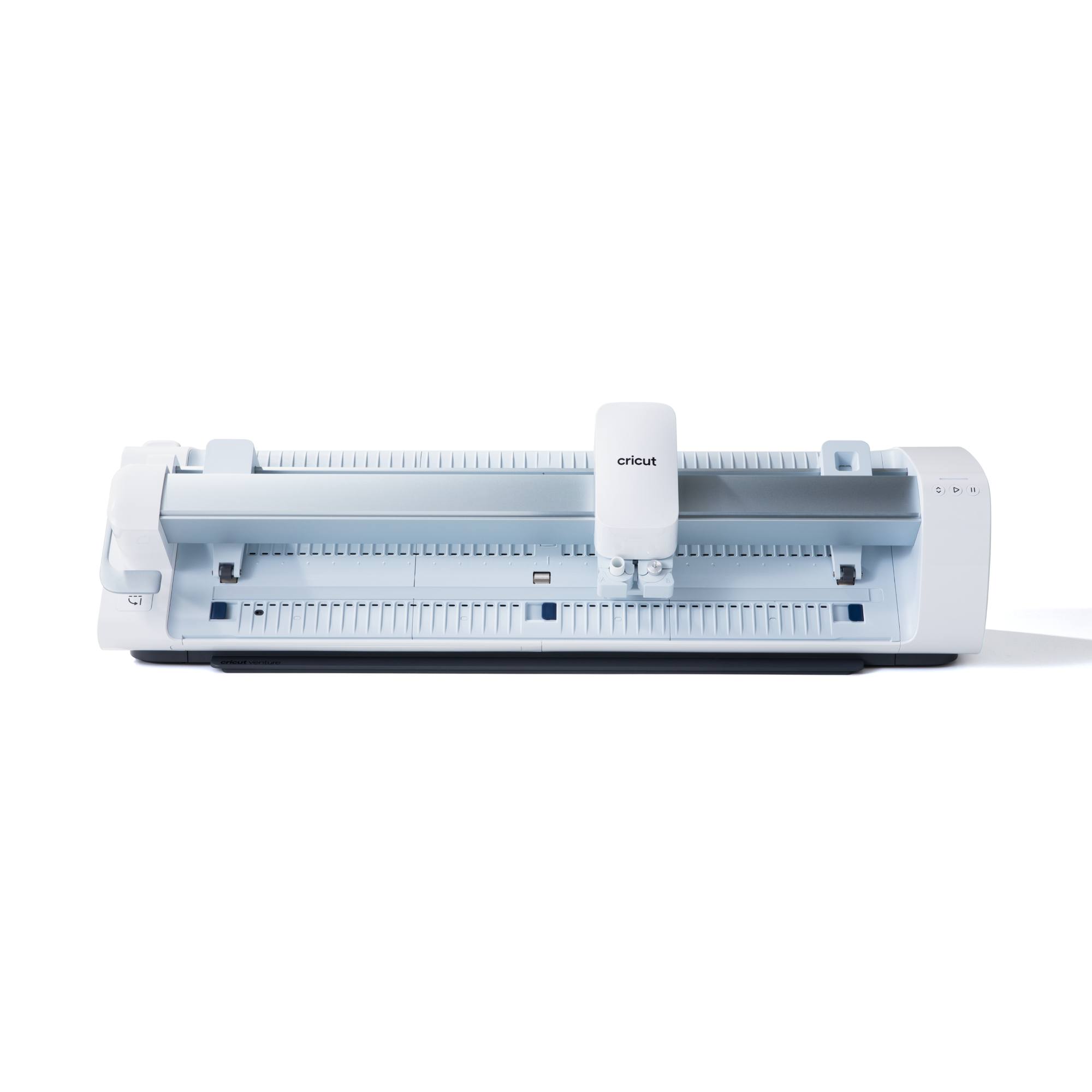
0:07cricut maker cutting
The scene provides a close-up, slightly elevated shot of a white Cricut Maker 4 cutting machine in operation. The camera focuses on the moving tool head, which is white with silver accents, as it precisely cuts a light grey material that rests on a vibrant green cutting mat. The material is being fed into the machine from left to right. Two shiny metal rods guide the cutting mechanism, and the 'cricut maker 4' logo is clearly visible on the top of the machine. The background is a clean, bright white surface, emphasizing the machine. The lighting is even and bright. The text 'I made designs for each upcoming holiday, then cut each one out using my Cricut Maker 4.' is overlaid at the bottom.
0:10easypress applying heart design
This segment shows a close-up, overhead view of a woman's hands applying a red heart design to a white fabric using a light purple Cricut EasyPress Mini LT. The EasyPress Mini is a compact, handheld heat press with a dark grey base and a light green indicator light that is illuminated. The woman's hands, with French-manicured nails and a gold ring, carefully press the tool onto the red heart vinyl, which is positioned on the white fabric. After a moment, she lifts the press, revealing the glossy red heart design adhering to the fabric, still covered by a clear transfer film. She then gently peels away the clear film, leaving the vibrant red heart design perfectly transferred onto the white fabric. The surface below is a clean white table. The lighting is bright and direct, highlighting the details of the crafting process. The text 'The EasyPress Mini LT makes it so easy to apply designs onto smaller spaces like these and is perfect for detailed projects.' is overlaid.
0:18easypress applying heart border
The scene continues with a close-up, overhead view of the crafting process. The already applied red heart design, now on the white fabric, is visible. A new element, a pink scalloped border, is carefully placed around the red heart, ready for transfer. The woman's hands, still with the distinctive French manicure and gold ring, use the light purple Cricut EasyPress Mini LT again to apply heat to this second layer. The green indicator light on the press is visible. After heating, the clear transfer film covering the pink border is gently peeled away, revealing the complete layered design: a bright red heart encased in a soft pink scalloped border, perfectly adhered to the white fabric. The workspace remains a clean white surface. The lighting is bright and even. The text 'Each sash came together so quickly. I love how simple Cricut makes seasonal projects like this.' is overlaid at the bottom.
0:23finished heart sash
A close-up, slightly overhead shot showcases the completed heart design on the white fabric sash. The design features a glossy red heart perfectly centered within a vibrant pink scalloped border, creating a layered effect. The white fabric beneath is smooth and evenly textured. The lighting is bright and clean, illuminating the rich colors of the design and the crisp white of the fabric. The overall impression is one of a neatly finished, professional-looking craft project. The camera remains static, allowing the viewer to appreciate the details of the finished product. The text 'The best part is it's one wreath, four holidays,' is overlaid.
0:25sash attachment to wreath
The scene returns to the initial setting: a medium shot of a white wooden door with a green artificial wreath. A woman's hands, wearing a rose gold smartwatch on her left wrist and a gold ring on her right index finger, carefully take the white fabric sash (now showing the red 'R' initial and the green Christmas tree design) and tie it securely to the bottom center of the wreath. The sash hangs down neatly, demonstrating how it attaches to the wreath. The lighting is consistent with the opening shot, bright and even. The color palette emphasizes the clean white of the door and sash, contrasted with the deep green of the wreath and the festive red and green of the designs. The camera is static, focusing on the action of attaching the sash.