Wonderful Blog
Facebook Ads Library Search

Published March 18, 2026
Facebook Ads Library Search
Meta's Ad Library is useful, but most people treat it like a static directory: type a name, scroll, save a screenshot, repeat. If you want reliable creative research, you need a repeatable search workflow: the same query format, the same filter logic, and the same output format every time.
This post is navigational and workflow-only: how to use the Ad Library search and filters for creative discovery and saved swipe files. It is not a competitor-spy tool review.
TL;DR
- Search by either advertiser or keyword: Ad Library search supports both inputs; pick the one that matches your research goal. (Meta Help Center)
- Control results with filters: status, country, and platform filters decide what you actually see (active vs inactive, where delivery happened, and where it ran). (Meta Transparency Center tools)
- Convert search results into a swipe workflow: save examples consistently, then tag them by pattern (hook, proof, CTA) so your team can reuse insights fast.
Start With the Right Search Input
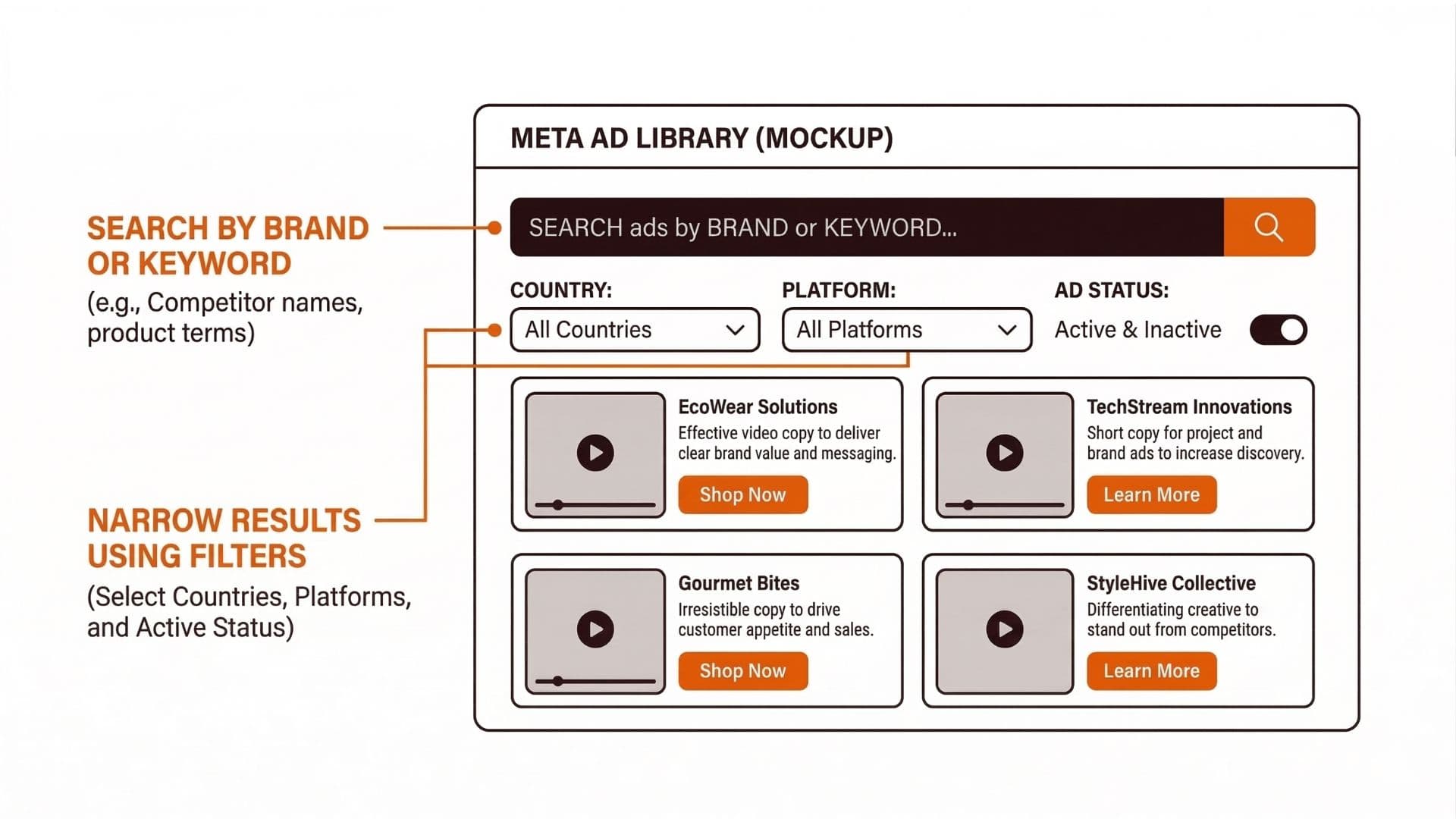
Ad Library search works best when your input matches what you are trying to learn:
- Advertiser search is best when you already know the brand and want to see how their creative strategy evolves.
- Keyword search is best when you are trying to find creative that matches a message pattern, even if you don't know the advertisers already producing it.
If you just pick one randomly, your research becomes noisy. Decide the input first, then apply filters to reduce the noise you introduced.
Build a Repeatable Search Workflow (So You Can Reuse It)
The output of Ad Library research should not be "a folder of screenshots." It should be a swipe file that your team can use to brief and produce new creative.
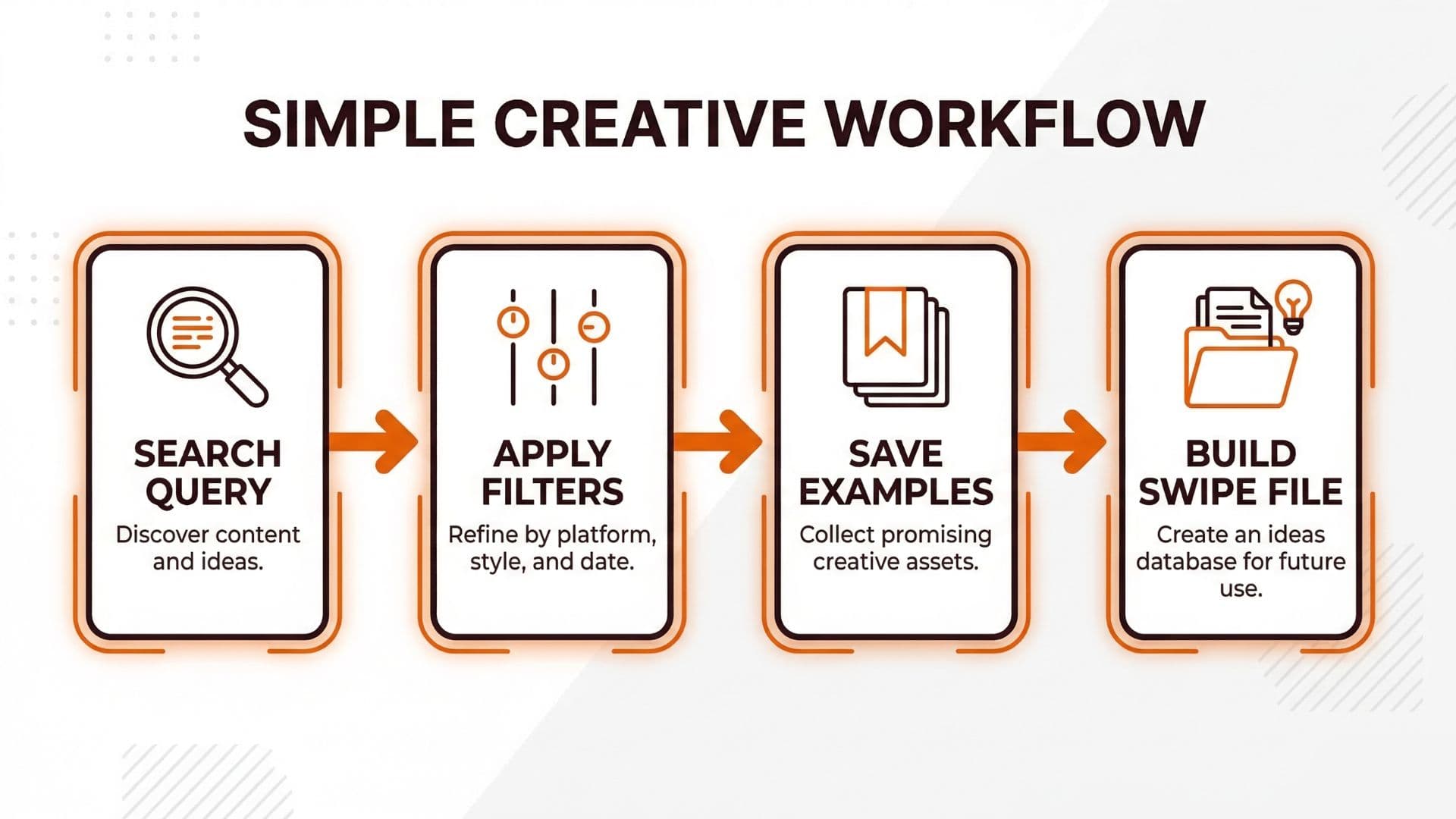
Here is a workflow you can run weekly:
- Define the research objective: Are you scanning for hooks, proof style, or CTA framing?
- Choose input type: advertiser vs keyword.
- Apply filters: start with country + platform, then choose active/inactive depending on whether you want current delivery or historical patterns.
- Save examples with labels: even two labels ("hook type" + "proof type") can massively improve reusability.
- Turn saved examples into briefable patterns: write 2-3 "what to copy" notes per cluster, then stop.
The Ad Library Search Checklist (Use This Before You Save)
Use this checklist every time so you don't accidentally compare incompatible sets of ads:
- Pick a consistent input method for the set (brand search vs keyword search). Mixing methods makes your "pattern" comparisons noisy.
- Set filters before saving (country/region, platform/placement, and active vs inactive). Match your filters to the behavior you’re trying to learn.
- Save the same creative metadata each time (creative type, format, and what destination/CTA is shown in the ad copy). Even a short note prevents later confusion.
- Tag each saved example with a simple pattern label (hook category + proof category + CTA type). This turns screenshots into reusable guidance.
- Don’t “cherry-pick.” Save examples across a small range of advertisers/results so your cluster represents a real pattern, not one lucky ad.
Real-World Example: Turning Ad Library Search Into a Briefable Creative Cluster
One lean ecommerce team I worked with ran weekly Ad Library scans for their most common objection: "price is too high." They didn't search for competitor names. They used keyword search tied to the objection language, then filtered to the same country and a single platform placement set. You can also browse 150,000+ ad creatives in Wonderful's Inspo Library to supplement Ad Library research with organized, categorized examples.
They saved 20-30 examples over a month, but they didn't keep them as screenshots. They tagged each example with:
- Hook category (e.g. "price justification," "bundle value," "time-limited discount framing")
- Proof category (reviews, UGC style, before/after, shipping/returns reassurance)
- CTA type (buy now vs "see more" vs "get bundle")
After 4 weeks, their creative briefs stopped being generic. They became pattern-based: "Write 3 hooks that justify value without discounting first, then pair each with proof type A/B."
Actionable Takeaway
To get value from Ad Library search, treat it like a workflow:
- Choose the right search input (brand vs keyword).
- Apply filters intentionally (country + platform + status).
- Save examples with consistent labels.
- Convert saved examples into pattern clusters you can brief.
You can accelerate this process with AI-powered creative research and ideation, which helps you discover and organize ad patterns at scale. For adjacent workflows (format constraints and asset specs), see Facebook Ad Size. For creative production and iteration, start with Best Online Tool For Creating Engaging Facebook Video Ads.
Soft CTA
If you want fewer handoffs between research, creative production, and approval, Wonderful can help you connect the workflow so your swipe insights turn into tested assets faster (without losing control).